How to Charge a Razor Scooter: The Standard Procedure
This post contains affiliate links. As an Amazon Associate, we earn from qualifying purchases.
To charge a Razor electric scooter, plug the charger into a wall outlet first, ensure the scooter’s power switch is OFF, then connect the charger to the scooter’s charge port. The charger light turns red while charging and green when complete. An initial and full recharge takes up to 12 hours, even after the light turns green, with a maximum recommended charge time of 24 hours.
That 12-hour figure isn’t a suggestion, it’s the manufacturer’s spec, and cutting it short leaves the battery partially charged, which shortens its life. The charger’s behavior is your only real-time feedback, so misreading a green light that appears too soon can leave you with a scooter that dies halfway through a ride. This is why knowing how to charge a razor scooter correctly is critical.
What follows: the exact plug order, what the red and green lights really mean, five specific problems that stop charging (and how to fix them), and the one storage rule that prevents a dead battery by spring.
Key Takeaways
- Always plug the charger into the wall first before connecting to the scooter to avoid power surges.
- A 12-hour initial charge is mandatory for a new scooter; subsequent full recharges also take up to 12 hours.
- The charger light should turn red for charging and green when complete, a green light at the start indicates a fault.
- Never store a Razor scooter in freezing temperatures; cold permanently damages the sealed lead-acid battery.
- Regularly inspect the charger cable and plug for damage; a frayed cord is a fire hazard and must be replaced.
The Standard Charging Procedure for a Razor Scooter
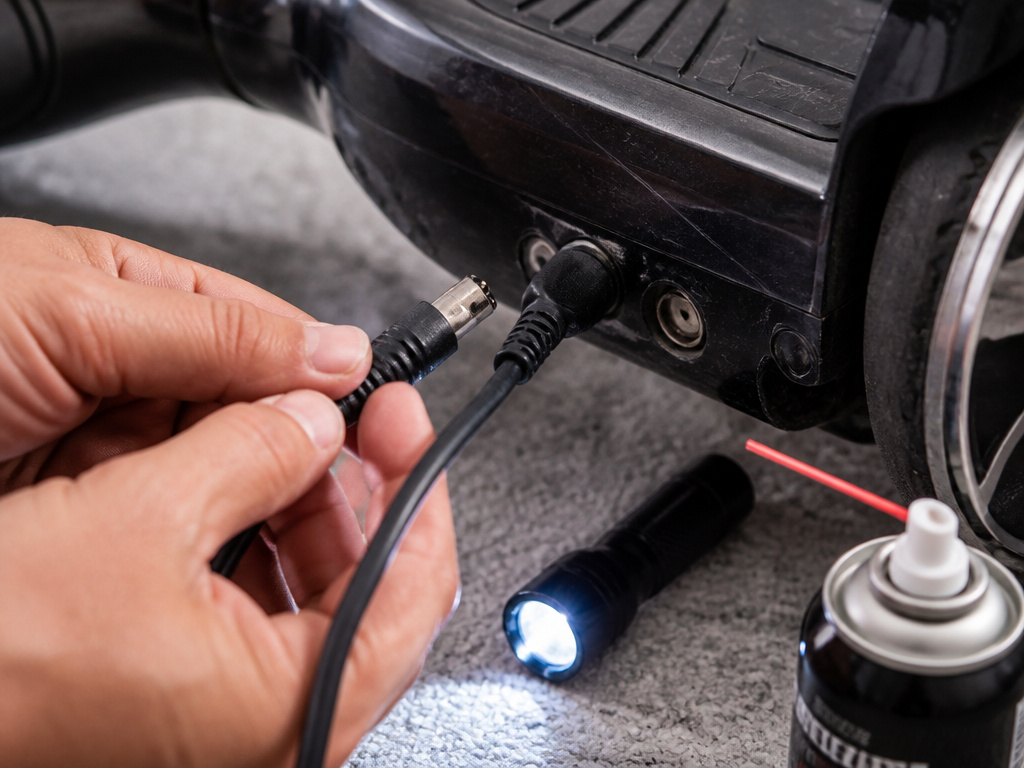
Follow these steps in order. Skipping the order or misreading the lights in the how to charge a razor scooter procedure is how you end up with a battery that holds a 20-minute charge after six months.
First, find a dry, cool area indoors. You’re dealing with electricity and a battery that shouldn’t get hot. Grab the OEM charger that came in the box, using a different one voids the warranty and can fry the control module.
Before you start: The charger is not a toy. Charge under adult supervision only. Always disconnect the charger before wiping down the scooter with a damp cloth. Examine the charger cord, plug, and enclosure regularly for damage; if you find any, do not use it.
Here is the exact sequence, pulled from the Razor E200HD manual:
- Plug the charger into a working wall outlet. The charger’s LED light should glow solid green. If it doesn’t, try a different outlet.
- Locate the scooter’s power switch, usually on the deck or handlebar stem, and make sure it’s in the OFF position.
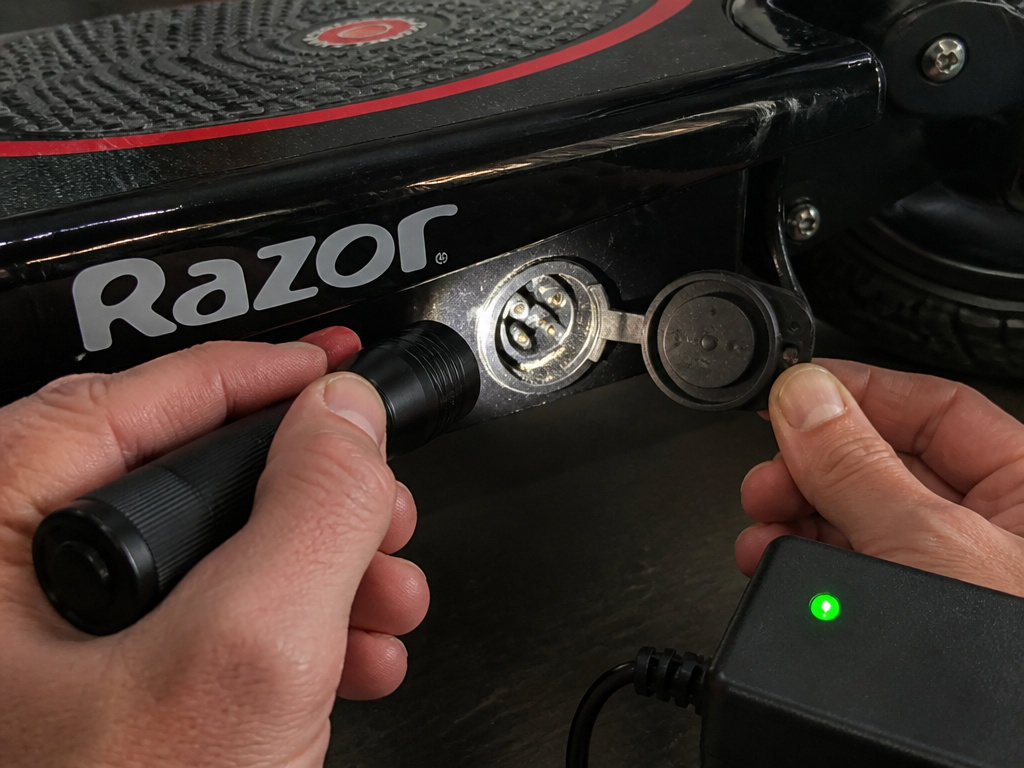
- Plug the charger connector into the scooter’s charge port. You should hear a firm click. For some models, like the EcoSmart Metro, you must align a groove on the plug with the socket.
- The charger light should immediately switch from green to solid red. This confirms current is flowing to the battery.
- Leave the scooter to charge for up to 12 hours, even after the light turns green. Razor specifies a maximum charging time of 24 hours.
That last point is critical. The green light signals the battery is at a high state of charge, not that it’s completely full. Stopping there every time leads to a gradual capacity loss. Think of it like filling a gas tank, the pump clicks off at 95%, but you can squeeze a little more in for a complete fill.
What the Charger Lights Really Mean (Red vs. Green)
Your charger has exactly two states: red and green. Misinterpreting them is the root of most “my scooter won’t charge” complaints about the how to charge a razor scooter process.
Solid Red Light: This means the charger is actively supplying current to the battery. It will stay red for the bulk of the up to 12-hour charge cycle. If the light is red, the system is working, walk away and let it finish.
Solid Green Light: This has two meanings, depending on when it appears.
- At the start: If the light is green the moment you plug the charger into the wall (before connecting to the scooter), that’s normal. It means the charger is receiving power and is ready.
- After connecting to the scooter: If the light stays green after you plug into the scooter, that’s a problem. It indicates no current is being drawn. The battery might be completely full (unlikely after a ride), the connection is bad, or the battery is dead.
- After a charging session: The light turns from red to green when the battery reaches a high charge level. As the manual states, you should continue charging for the full 12 hours even after this green light appears for a complete, balanced charge.
Here’s a quick diagnostic table:
| Charger Light Behavior | What It Means | Your Next Step |
|---|---|---|
| Green at wall, turns red at scooter | Normal charging in progress. | Leave it alone for up to 12 hours. |
| Stays green at wall & scooter | No current flow. Faulty connection or dead battery. | Check power switch is OFF, inspect charge port, try another outlet. |
| Never turns green at wall | Charger or outlet is faulty. | Try a different outlet. If still no light, the charger may be broken. |
| Flashes or flickers | Loose connection or internal charger fault. | Unplug immediately. Inspect cords and connectors for damage. |
The takeaway? Red is good. Green after red is expected, but keep charging. Green from the start means stop and troubleshoot.
How Long Does a Razor Scooter Take to Charge?
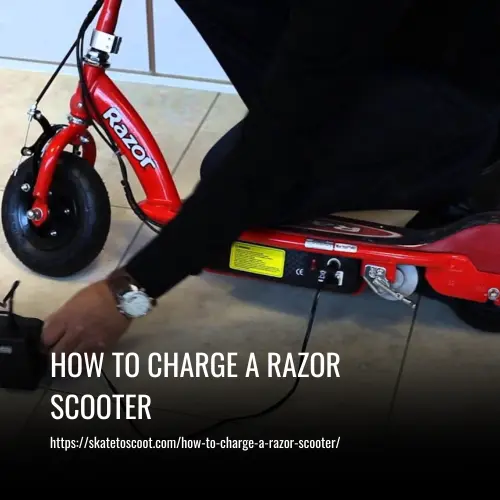
The official numbers are fixed.
There’s a nuance here. The “up to 12 hours” duration is for a fully depleted battery. If you’re just topping up after a short ride, it will take less time. But the rule of thumb is to plan for the full cycle. A common mistake is plugging it in for an hour or two before a ride and wondering why the run time gets shorter every week. You’re chronically undercharging it.
Razor sets different maximums per model: the E200HD manual recommends a maximum of 24 hours, while the PC-E100/E100s manual states recharge time is up to 12 hours. Leaving it plugged in for days on end, especially with older chargers, risks overcharging and overheating the battery.
Where this goes sideways: Plugging in the scooter right after a long ride while the battery is still warm. Heat accelerates chemical wear inside the battery. Let the scooter cool down before you connect the charger.
Run time is the other side of this coin. A fully charged Razor E200HD delivers up to 40 minutes of continuous ride time, while an E100 model’s run time varies depending on conditions. This varies wildly with rider weight, hills, and temperature. In cold weather, you might only get 20 minutes.
Troubleshooting Common Charging Problems
Sometimes, despite following the steps, the scooter won’t charge. Don’t panic. Work through this list methodically before deciding the battery or charger is dead.
Problem 1: Charger light stays green when connected to the scooter.
This means the circuit isn’t closing. First, double-check the scooter’s power switch is OFF. On some models, the charger won’t engage if the scooter is ON. Second, inspect the charge port on the scooter. Look for debris, bent pins, or corrosion. A visual inspection can reveal a faulty charger connection point.
Problem 2: Charger light never turns red, or turns off.
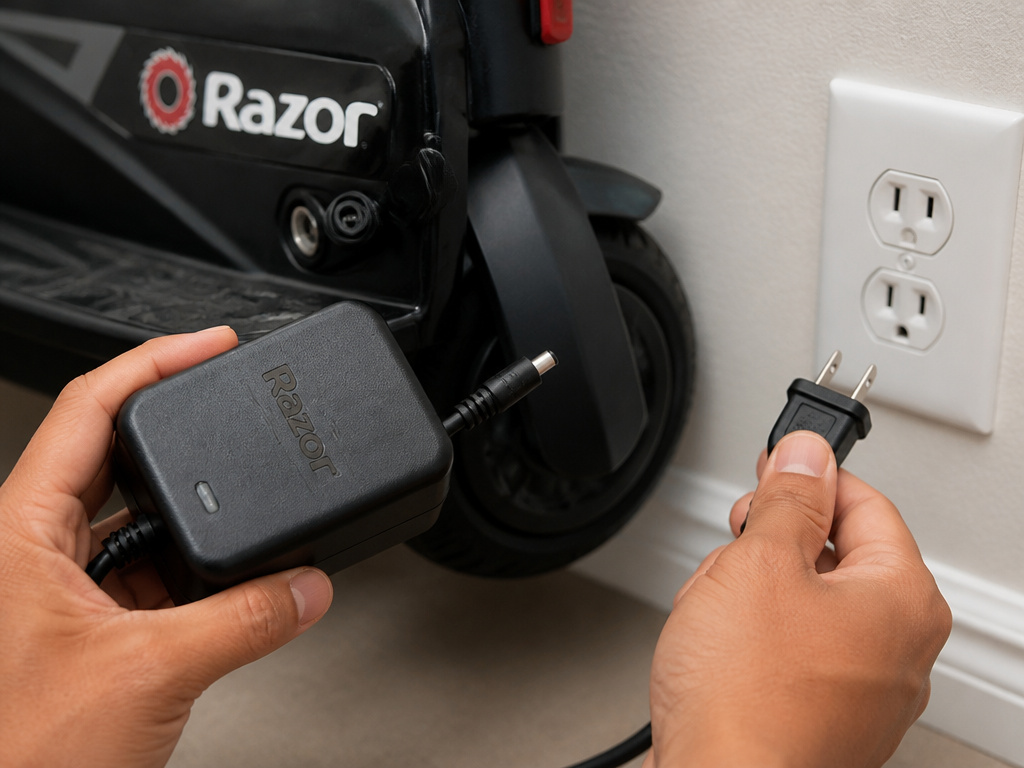
Unplug everything. Try the charger in a different, known-good wall outlet. If the light still doesn’t come on, the charger itself has likely failed. If the light comes on at the wall but goes out when you plug into the scooter, there could be a short in the scooter’s wiring or a severely depleted battery that won’t accept a charge.
Problem 3: Scooter runs for only 10 minutes after a full charge.
This is usually a battery aging problem, not a charging problem. Sealed lead-acid batteries, which most Razor models use, lose capacity over time and with improper care. If the battery is more than 18 months old and has been deeply discharged often, it’s likely worn out. Before replacing it, ensure your tire pressure is correct, soft tires create massive drag.
Problem 4: Charger gets unusually hot or smells like burnt plastic.
Unplug it immediately from the wall. This is a serious fire hazard. The charger is faulty and must be replaced. Do not attempt a charger repair unless you are qualified.
Problem 5: Scooter was stored all winter and now won’t charge.
If it was stored in a freezing garage, the battery is probably permanently damaged. If it was stored in a cool, dry place but not plugged in, the battery is deeply discharged. You can try a long-term recovery charge: plug it in and leave it for the full 24-hour maximum. Sometimes this can revive a dormant battery. If not, a replacement is needed.
Razor Scooter Battery Care and Storage
Charging is just one part of the equation. How you treat the battery between rides determines its lifespan.
After Every Ride: Get into the habit of plugging it in as soon as you’re done (after it cools down). These batteries prefer to be kept fully charged. Letting them sit depleted for weeks is what kills them.
For Long-Term Storage (over a month):
- Give the battery a full 12-hour charge.
- Unplug the charger from both the scooter and the wall.
- Store the scooter in a cool, dry place above freezing. The manual explicitly warns that freezing temperatures cause permanent damage.
- Periodically during storage, plug it in for a full charge to prevent deep discharge. This prevents the battery from slipping into a deep discharge state where it won’t wake up.
General Maintenance:
- Keep it dry. Avoid riding in heavy rain or through deep puddles. Water in the charge port causes corrosion.
- Check the power switch. An absurdly common failure point is accidentally leaving the power switch ON for weeks in storage. This slowly drains the battery to a point of no return. Make a visual check part of your storage routine.
- Use only the OEM charger. Third-party chargers might not match the voltage or charge profile, leading to undercharging or overheating. This voids the warranty and is a genuine safety risk.
Why Your Scooter’s Ride Time Is Shorter
Your scooter’s battery life and ride time depend heavily on usage and conditions. Constant starting and stopping drains the battery faster than a steady ride. Rider weight, riding conditions, and proper maintenance all cause the actual run time to vary from the maximum. Cold weather is a major factor; storing a scooter in freezing temperatures can permanently damage the battery. For the longest battery life, charge the scooter immediately after riding and keep it in a cool, dry place. Also, always turn the power switch OFF when not riding, as leaving it on can drain the battery to a point where it may no longer hold a charge.
Frequently Asked Questions
How do you charge your Razor scooter?
You charge a Razor scooter by first plugging the provided charger into a wall outlet (light turns green), ensuring the scooter’s power switch is OFF, then connecting the charger to the scooter’s charge port. The light should turn red, indicating active charging. Leave it plugged in for up to 12 hours for a full charge, even after the light turns green.
How can you tell if a Razor scooter is charging?
The charger’s LED light will turn from green to solid red once properly connected to a powered-on scooter. A red light means it’s charging. If the light stays green, flashes, or doesn’t come on at all, there is a problem with the connection, outlet, charger, or battery.
What kind of charger do you need for a Razor scooter?
You must use the specific Razor OEM charger that came with your scooter model. Using a different charger can damage the battery or control system and will void the warranty. The charger’s output voltage and connector are designed to match your specific scooter.
How long does a Razor scooter take to charge?
Razor scooter requires a 12-hour initial charge. Subsequent full recharges also take up to 12 hours. The charger light may turn green before the 12 hours are up, but you should continue the full charge cycle for optimal battery health. The maximum recommended charge time is 24 hours.
Can you overcharge a Razor scooter?
While modern chargers have safety circuits, Razor advises against exceeding the 24-hour maximum charging time. Prolonged overcharging can generate excess heat and stress the battery. It’s best to follow the “up to 12 hours” guideline and unplug once charging is complete.
Why won’t my Razor scooter charge after storage?
If a scooter was stored for months without a maintenance charge, the battery may be deeply discharged and unable to accept a normal charge. Try a 24-hour recovery charge. If it was stored in freezing temperatures, the battery is likely permanently damaged and needs replacement.
Before You Go
One rule most guides skip: if your charger light stays green from the moment you plug into the scooter, don’t just assume the battery is dead. Ninety percent of the time, it’s a connection issue, a dirty charge port, a failed handshake because the power switch was on, or a tripped household breaker. Clean the port with a dry toothbrush, ensure the switch is off, and try a different outlet before you order a new battery.
Your scooter’s lifespan hinges on this routine. Charge fully, store correctly, and inspect the hardware. It’s less about a complex procedure and more about consistent, attentive habit. Now you know what the manual actually says, go plug it in.