How Do You Turn on a Longboard: Step-by-Step
This post contains affiliate links. As an Amazon Associate, we earn from qualifying purchases.
Turning on an electric longboard is a three-step handshake: power on the board, power on the remote, and let them pair. The sequence matters on some models, not on others, and a few boards hide a fourth step, a physical kick-start, that locks out the motor until you reach walking speed.
That gap between pressing a button and feeling the motor engage is where new riders get stuck. The remote is on, the board beeps, but pushing the throttle does nothing. Usually, it’s a missed pairing step or a forgotten safety protocol. A common question from beginners is, ‘How do you turn on a longboard?’
What follows is a breakdown of the universal steps, the model-specific quirks that break them, and the one storage rule every manual agrees on but almost nobody follows correctly, all centered on the core question of how do you turn on a longboard.
Key Takeaways
- Follow the board-first, remote-second power-on sequence for Evolve models; other brands like Parsec and ONSRA don’t specify an order.
- A kick-start to 3 mph (5 km/h) is required for basic models like the RazorX before the motor will engage, even with everything powered on.
- Store your board’s battery at the charge level recommended in its manual for long-term health, but check your manual, as definitions of “long-term” and ideal charge levels vary by brand.
- If your board enters a sleep or standby mode, reactivation varies: use the remote’s brake trigger (Evolve Hadean), power-cycle the board (Evolve GTR), or simply turn the remote back on (Parsec Aero within 24 hours).
- Charge with the supplied charger only and unplug it once the indicator turns green to avoid overcharging and battery damage.
The Universal Power-On Sequence
You have a board, a remote, and a button on each, which is the simple answer to how do you turn on a longboard. The steps are simple, but the consequences of mixing them up are a dead connection.
For most electric longboards, power on the board by pressing its Power Button, then power on the remote by pressing and holding its Power Button for 1–2 seconds. The devices will automatically pair if previously linked. If not, you’ll need to initiate manual pairing.
First, find the board’s power button. On a Parsec Aero, it’s on the front baseplate, a single press turns it on. On an Evolve GTR, it’s also a single press.
Second, power on the remote. This often requires a press-and-hold. For the Parsec Aero remote, hold the power button for one second. For an ONSRA remote, hold for two seconds.
Here’s the part nobody mentions: if you turn the remote on first, some boards won’t pair. The Evolve GTR manual is explicit: “FOR BEST CONNECTION, TURN THE BOARD ON 1 ST AND THE REMOTE 2 ND.” Parsec and ONSRA manuals don’t prescribe an order, but following the Evolve rule never hurts. It ensures the board’s receiver is awake and listening when the remote broadcasts its “hello.”
If pairing doesn’t happen automatically, the remote screen shows “connecting” or a flashing Bluetooth icon, you need manual pairing. The process is brand-specific.
| Brand & Model | Manual Pairing Steps | Source |
|---|---|---|
| Parsec Aero | Start with both devices off. On the board, press and hold its Power Button for about 3 seconds until it blinks rapidly. | Parsec Aero User Manual |
| Evolve GTR | Turn board on, then remote on. Press and hold the MODE 1 button on the remote for one second until the Bluetooth symbol flashes. | Evolve GTR Manual |
| Boosted Board 2nd Gen | Press the Multi-Button on the remote 5 times, then press the Power Button on the board 5 times rapidly. | Boosted Board Quickstart Guide |
Once paired, you’ll get a solid connection indicator. Lift the wheels off the ground and gently test the throttle and brake. A clean, immediate response means you’re ready to learn to ride a longboard.
What If Your Board Has a Kick-Start?
Some boards, typically more basic or older models, have a hidden step. The electronics are on, the remote is connected, but the motor refuses to spin until you give it a push.
The RazorX Longboard manual states it clearly: the “motor will not engage unless the board is moving at least 3 mph (5 km/h) while holding the lever on the remote in the ‘GO’ position.” This is a safety and power-saving feature. The board needs to know you’re already moving and balanced before it adds power, preventing a sudden, unexpected launch from a standstill.
You can’t throttle from a dead stop. You must kick-push like a traditional skateboard until you feel a slight rolling speed, then squeeze the throttle. It feels awkward at first, your brain expects instant power. This requirement fundamentally changes your starting out technique. Your first push needs to be confident enough to get you to that 3 mph threshold, which is about a brisk walking pace.
If your board has this feature and you forget, you’ll hold the throttle, hear nothing, and assume it’s broken. The fix is simple: get moving first.
Turning Off vs. Sleep Mode

You don’t always need to fully power down. Most boards have an automatic sleep or standby mode to save battery.
The Parsec Aero board turns off automatically after 24 hours of inactivity. Its remote powers off after 5 minutes. If you turn off the remote while the board is on, the board enters “Standby,” a low-power state. Turning the remote back on within 24 hours wakes the board instantly.
Evolve boards may enter a sleep mode after a period of non-use. Reactivating them is where models disagree.
The ONSRA Velar powers off automatically after 5 minutes of inactivity. After 2 days unused, its remote power-on feature deactivates, requiring you to press the physical power button on the board again to reactivate it.
Common mistake: Assuming sleep mode is just a deeper off state. On some boards, like the Evolve GTR, you must interrupt power completely (off, then on) to resume riding, which adds time to your start-up.
The takeaway? Know your board’s sleep behavior. It affects how you store it between rides and whether you need to plan extra time at the start of your session. For general longboard cruising, a board that wakes from standby with the remote is more convenient.
Charging and Storage: The Rules Everyone Gets Wrong
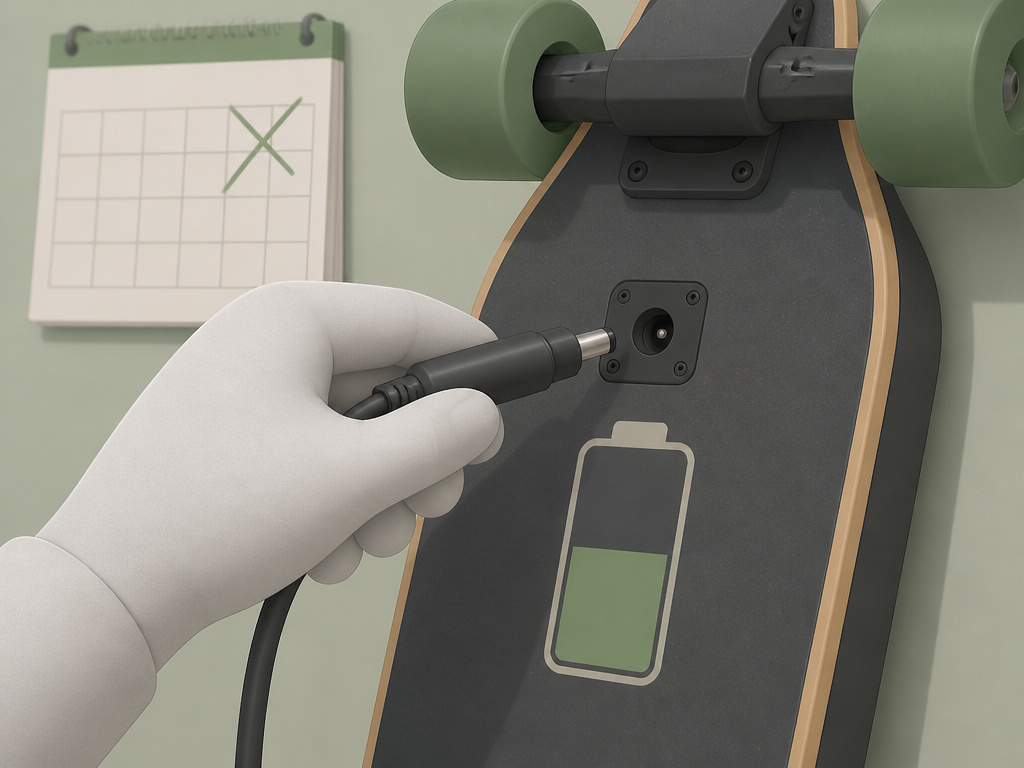
The battery is the most expensive and temperamental part of your board. The manuals are very specific, but the advice conflicts in key areas.
First, charging. Always use the supplied charger. The Nilox DOC LONGBOARD manual warns that “charging for too long (>4 hours) could damage the battery, reducing its duration.” The ONSRA manual says to remove the board from the charger once the LED shows green. The RazorX manual, however, says to continue charging for up to 6 hours “even if the light turns green,” but never to exceed 24 hours.
Where sources disagree: Should you charge immediately after riding? The RazorX manual says “Always charge the battery immediately after riding.” The ONSRA manual advises against charging unattended or overnight.
Second, storage. This is where the manuals are precise but contradictory on the timeline.
| Brand & Model | Recommended Storage Charge | Defines “Long-Term” As | Source |
|---|---|---|---|
| Parsec Aero | Not specified | Not specified | Parsec Aero User Manual |
| ONSRA Velar | Not specified | Not specified | ONSRA User Manual |
The RazorX manual says to “fully charge battery before storing for extended periods of time” and to “recharge battery periodically” to avoid a battery that won’t accept a charge.
Who’s right? For modern lithium-ion packs, storing at a partial charge (40-60%) minimizes stress on the cells. Storing at 100% or 0% for months can permanently reduce capacity. The “extended period” definition varies by brand, so if you’re putting your board away for the winter, aim for that 50% sweet spot and check it monthly.
Pairing and Connection Troubleshooting
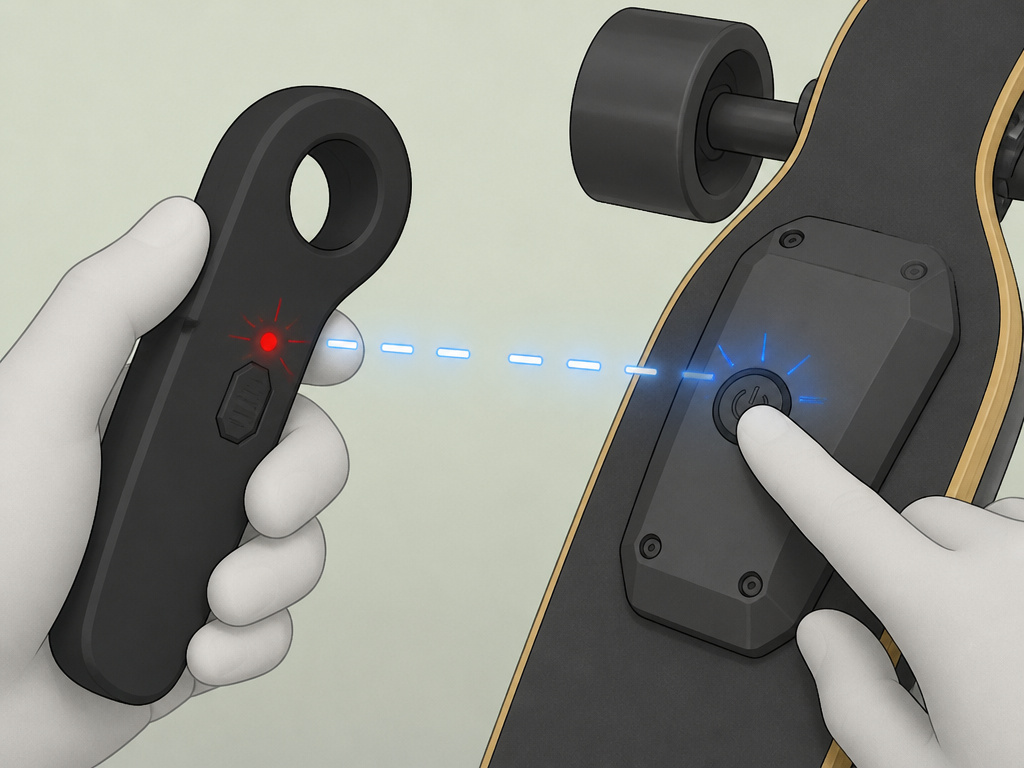
Sometimes the handshake fails. The board is on, the remote is on, but they’re not talking.
Start with the basics. Are both devices charged? Is the board within range? Are you in an area with heavy wireless interference? If yes, power everything down completely and restart, following the correct sequence.
If that doesn’t work, force a re-pair. This means clearing the old Bluetooth link and starting fresh. The general process is:
- Turn both the board and remote off.
- Put the board into pairing mode (often a long-press on its power button, as with the Parsec Aero).
- Put the remote into pairing mode (often a button combination).
- Let them find each other.
Refer to your manual for the exact button presses. After a successful pair, the connection should be stable for future rides. If you’re still having intermittent cutouts, the issue could be low battery on either device, physical obstruction, or a faulty component. Before you dig deeper, ensure you’ve mastered basic longboard balance; a wobbly ride can sometimes feel like a power loss.
Safety First: Pre-Ride Checks You Can’t Skip
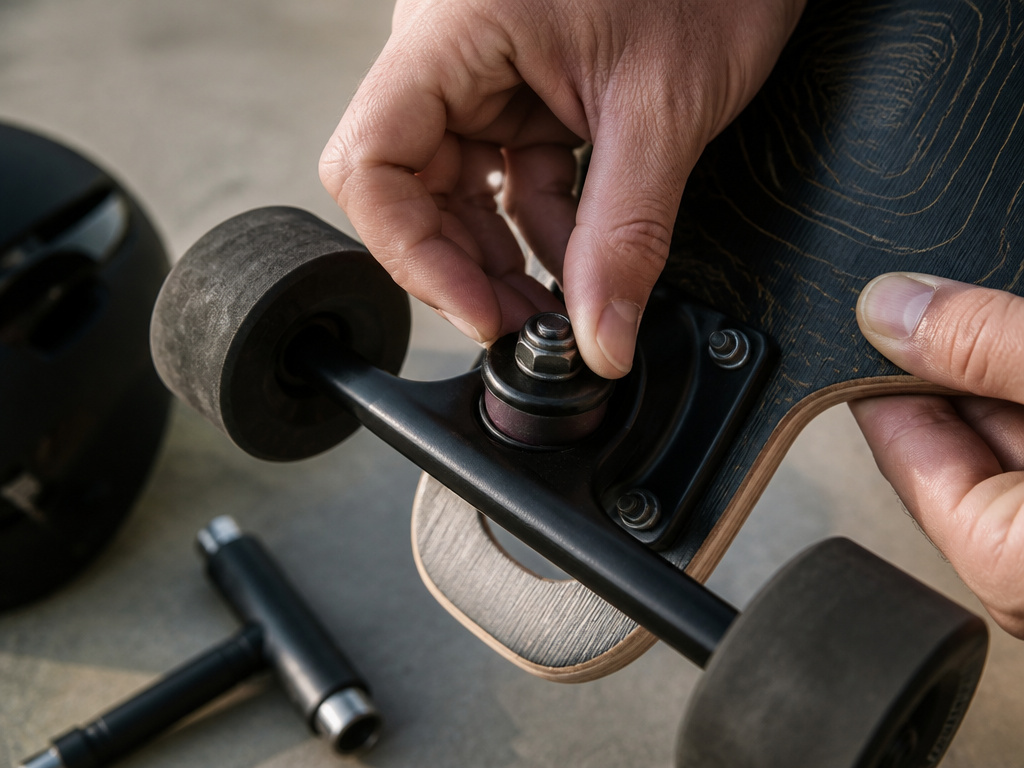
Powering on is step one. Ensuring the board is safe to ride is step zero.
Every manual, from Boosted to Razor, screams the same warnings: wear a helmet, don’t ride in wet conditions, and inspect your board. The Boosted Board guide puts it bluntly: “Never ride in water, wet surfaces, in the rain, slippery or uneven surfaces.” Water damage is almost never covered under warranty.
Also, understand your board’s safety features. Know how to disengage it. Practice braking at low speed in a safe, open area before you need to stop in traffic. Knowing how to stop on a longboard is as important as knowing how to start.
Frequently Asked Questions
Why won’t my longboard turn on at all?
Check the battery charge first. If it’s completely dead, the board may not respond to the power button until it’s been on the charger for a few minutes. Also, verify you’re pressing the correct button and holding it long enough (some require a 2-second hold). If the board was in long-term storage and wasn’t periodically charged, the battery may not accept a charge, as noted in the RazorX manual.
My remote is on, but the board isn’t moving. What’s wrong?
This is usually a pairing issue. Confirm the remote and board are connected. If not, re-pair them. Also, remember the kick-start rule: if you have a model like the RazorX, you must push to 3 mph before the motor engages.
Is it bad to leave my longboard on the charger overnight?
Most manufacturers advise against it. The ONSRA manual says to unplug once the charger LED turns green. The Nilox DOC LONGBOARD warns that charging beyond 4 hours can damage the battery. For battery longevity, charge while you’re awake and nearby, and unplug when full.
How do I wake my board from sleep mode?
It depends on your brand. For Parsec Aero, turn the remote back on within 24 hours. For Evolve Hadean, lightly press the brake trigger on the remote. For Evolve GTR, you must turn the board off and then on again. Check your manual, using the wrong method will leave you standing still.
Can I use a different charger to charge my electric longboard?
No. Use only the supplied charger. The Nilox, ONSRA, and RazorX manuals all explicitly state this. Third-party chargers may not be compatible and could damage the battery.
Before You Go
Turning on an electric longboard isn’t just about pressing buttons. It’s a deliberate process that couples your board’s electronics with your own readiness to ride. Get the sequence wrong, and you’re stuck. Get it right, and you start the machine.
The one rule that overrides all model-specific quirks: read your manual. The Parsec Aero manual specifies its power-on and standby behavior, the RazorX adds a kick-start, and other models have their own procedures. Your specific manual holds the exact steps for your specific board. Print it, save it on your phone, or bookmark the OEM site. Five minutes with the PDF beats an hour of frustrated guesswork.
Then, go through the steps once slowly in your driveway. Power on, pair, test the throttle, test the brake. That ritual, not glamorous, but it works, becomes muscle memory. And muscle memory is what keeps you rolling when you’re focused on the road ahead, not the remote in your hand.